Your cart is currently empty.

Continue Shopping
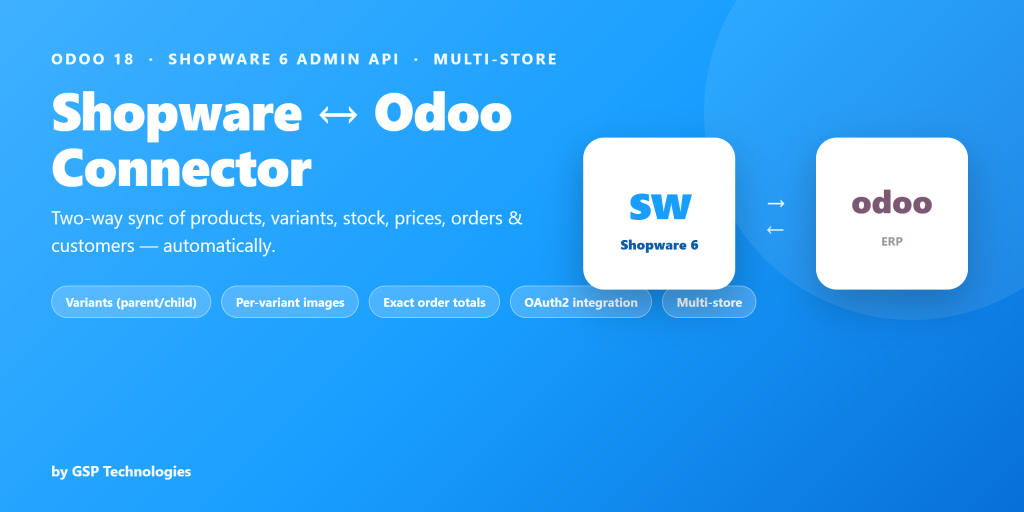
Odoo 18 · Shopware 6 Admin API · Multi-StoreKeep Shopware 6 & Odoo perfectly in sync

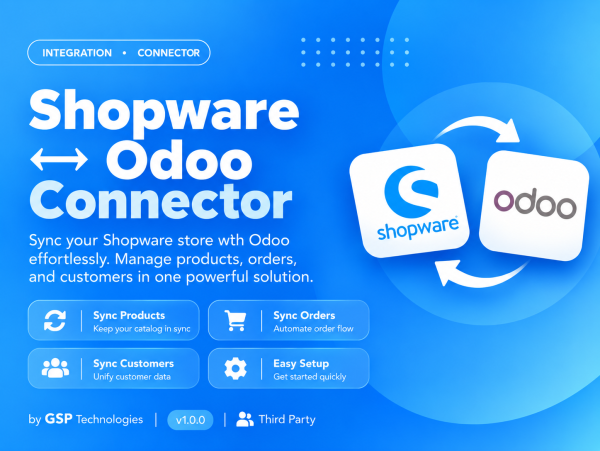
A complete, self-contained connector that syncs your products, variants, stock, prices, orders and customers between Shopware 6 and Odoo over the official Shopware Admin API. Connect one Odoo to many Shopware stores, pull your catalog and every order in, and push products, stock and order status back. No middleware, no extra base app.

Variants (parent → child)
Per-variant images
Exact order totals
OAuth2 integration
Multi-store
Auto & manual sync
What gets syncedProducts, inventory, orders & customers

» Odoo to Shopware · « Shopware to Odoo

📦 Products

Simple & variant products

«

Parent/child → variants

«

Price + per-variant extras

«

Main & per-variant images

«

Descriptions & categories

«

Simple products & price

»

📋 Orders

Order with all details

«

Gross/net tax & shipping

«

Exact grand-total match

«

Order status mapping

«

Cancel sync from Odoo

»

👥 Customers

Customers

«

Billing address

«

Shipping address

«

Country & state

«

De-dup by email

«

💳 Inventory

Stock quantities

↔

One-way master choice

↔

Per-variant quantity

↔

Scheduled stock sync

↔

« import (Shopware→Odoo)  ·  » export (Odoo→Shopware)  ·  ↔ one-way, you pick the master. Product export covers simple products, price & stock; variant export is on the roadmap.

 
Variant products become real Odoo variants

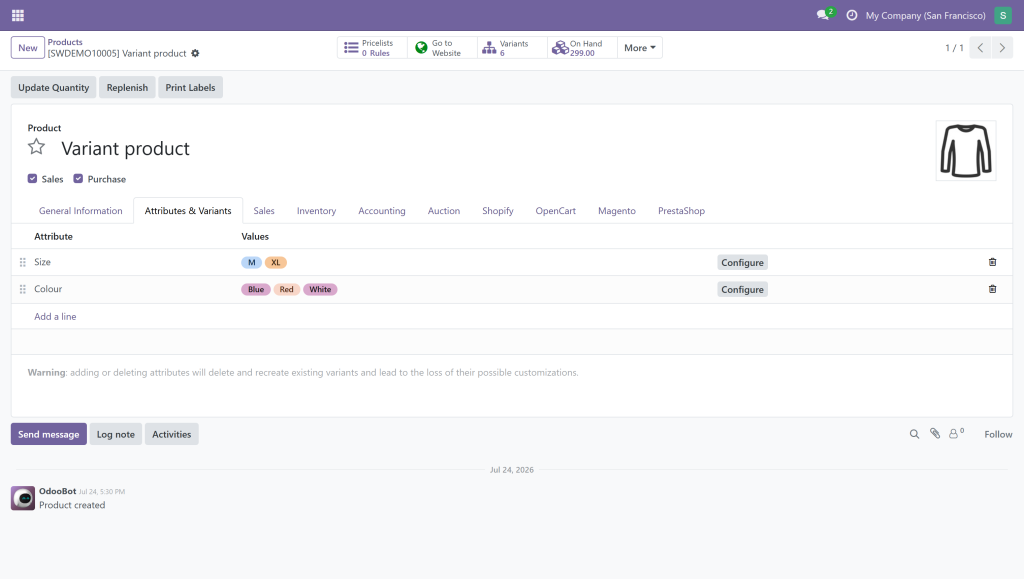
A Shopware parent product with children imports as an Odoo variable product — every Colour / Size property is resolved to its label and each child becomes a real Odoo variant with its own SKU, price and image. Selecting a colour on your Odoo shop swaps the photo, just like Shopware.

Orders that balance to the cent

Every order imports with all its line items — products, shipping, discounts and even partial-payment lines — so the Odoo total matches your Shopware grand total exactly. Choose whether tax is kept inclusive or broken out as VAT lines; the total stays exact either way. Order state maps to Odoo, and cancellations stay in sync.

Secure OAuth2 setup in minutes

Create an Integration in your Shopware admin, copy the Access Key ID and Secret Access Key into Odoo, and hit Test Connection. The connector obtains and refreshes an OAuth2 token automatically — nothing to renew by hand.

Safe, hands-off automation

Scheduled jobs keep orders, stock and catalog flowing in the background. Stock syncs one way (you choose the master) so the two systems never overwrite each other. Every record updates in place — no duplicates.

See it in actionFrom connection to order — end to end
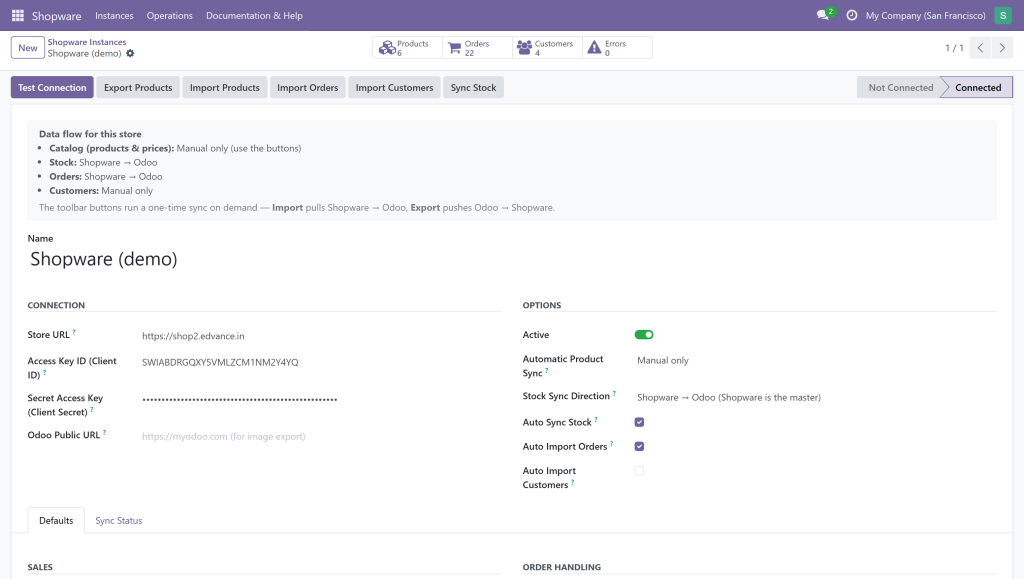
Connect in seconds — OAuth2 integration keys

Enter your Store URL, Access Key ID and Secret Access Key, pick your warehouse, pricelist, tax and stock direction, and hit Test Connection. Smart buttons show products, orders, customers and errors at a glance.

Variant products → Odoo variants with images

Each Shopware parent product imports as a variable product with every Colour/Size variant, its own SKU, price and per-variant image — ready to sell on your Odoo shop.

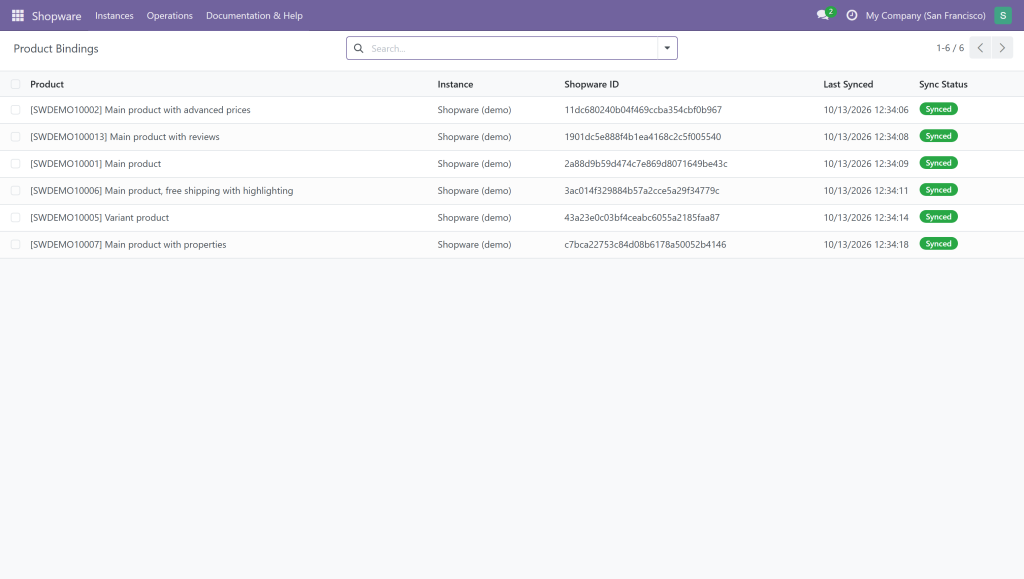
Every product linked & in sync

Each product is bound to its Shopware ID with its last-synced time and status, so you always know exactly what is connected across your stores.

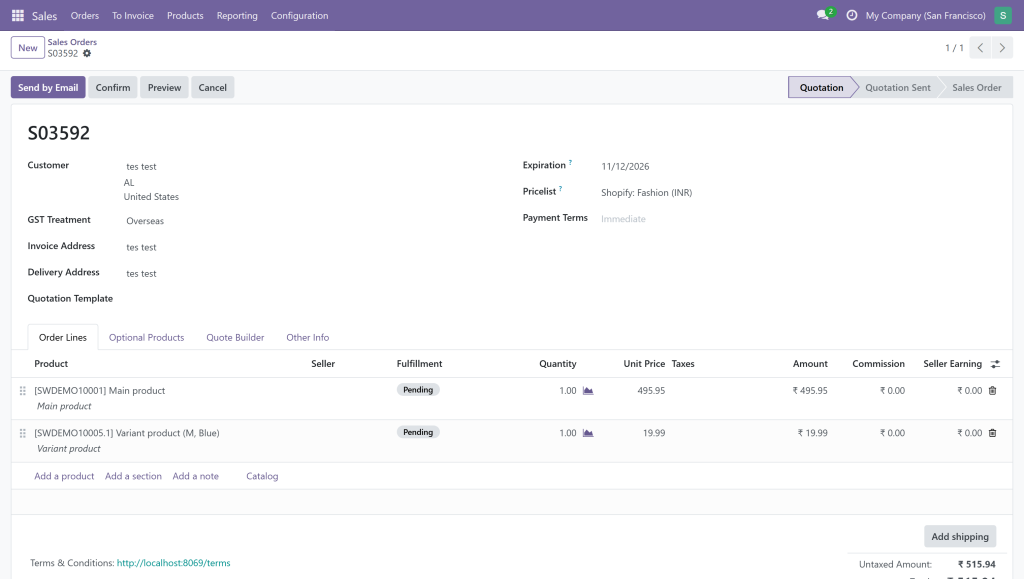
Orders import with the exact total

Storefront orders flow into Odoo with the right customer, product, shipping and tax — so the Odoo total matches your Shopware total to the cent.

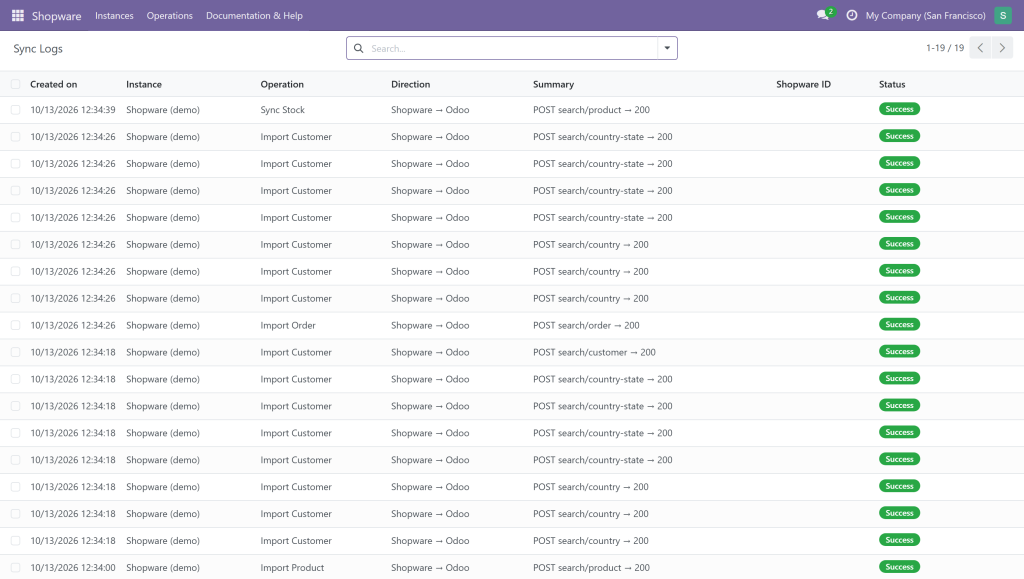
A full audit trail of every sync

Every call is logged with operation, direction and status, so you can watch products, stock and orders moving between Shopware and Odoo — and spot any issue instantly.

Live in three steps
Create an integration

In Shopware admin go to Settings → System → Integrations, add one, and copy the Access Key ID and Secret Access Key.

Add an instance in Odoo

Create a Shopware instance, paste your Store URL and the two keys, and hit Test Connection. Pick your warehouse, pricelist, tax and stock direction.

Import & relax

Import your catalog, customers and orders, then let scheduled jobs keep stock and orders flowing — automatically.

Requirements & compatibility

Works with Odoo 18 (Community & Enterprise) and Shopware 6 via the official Shopware Admin API. Standalone — no extra base module. Connect multiple Shopware stores to one Odoo. Authentication via an OAuth2 integration (Access Key ID + Secret Access Key) created in your Shopware admin.

Built & supported by GSP Technologies

Questions or a custom requirement? We're happy to help — reach us any time.

Shopware Odoo Connector

$98.85

Subscribe for the great value!

  • Unlimited downloads
  • video, image and more
  • Lifetime commercial license
  • Easy cancellation
Subscribe to download

Similar Products